
QR Codes for Books: Turn a Printed Book into an Interactive Experience
A printed book is powerful, but it is also static. Once a book is published, the pages cannot change and readers usually move on after finishing the last chapter. A QR code allows you to connect that printed page with online content and give the reader a clear next step.
By placing a small QR code inside your book, you can guide readers to a landing page, a bonus chapter, downloadable materials, updates, or a simple review request page. Instead of typing a long web address, readers can reach the destination instantly with a single scan.
For authors, this turns a static book into a bridge to an online audience. A well-placed QR code can help you build a mailing list, share additional resources, and keep readers connected to your work even after they finish the book.
What Should a QR Code in a Book Link To?
The most effective QR codes lead readers to something valuable. When a reader scans the code, they should immediately receive a clear benefit: a bonus chapter, a downloadable resource, a companion workbook, or access to additional material related to the book.
Many authors also use QR codes to connect readers with their email list. A simple landing page offering a reader magnet—such as a bonus story, printable guide, or exclusive content—can turn a casual reader into a long-term subscriber.
Another common use is a review request page. Instead of asking readers to search for the book on Amazon, a QR code can guide them directly to a short page that explains how to leave a review and why it helps the author. When the process is simple, more readers actually follow through.
Direct QR vs Trackable QR: What’s the Difference?
Not all QR codes behave the same. For books, there are two common setups: a direct QR code (static link) and a trackable QR code (dynamic redirect with analytics). They may look identical on paper, but they work very differently once your book is printed.
Direct QR Code (Static Link)
The QR code points directly to a single URL. When the reader scans it, they go straight to that page.
- Best for: simple, permanent pages you never plan to change.
- Pros: easy setup, no extra redirect layer.
- Limitations: if the URL changes, the QR code breaks.
- No tracking: you can’t see how many readers scanned it.
Example: QR → yoursite.com/bonus
Trackable QR Code (Dynamic Redirect)
The printed QR code points to a managed redirect link. You can change the destination later and track scans over time.
- Best for: printed books where you want long-term control.
- Pros: update destination anytime without reprinting.
- Analytics: track scans, devices, locations, and clicks.
- Safer for print: if your landing page changes, the QR still works.
Example: QR → tracklink → yoursite.com/bonus (you can update later)
Where to Place a QR Code in Your Book
Placement matters. A QR code works best when the reader is already motivated to continue the experience. Many authors place it at the end of the book, where the reader has just finished the content and is more open to exploring bonus material or related resources.
Another effective location is a dedicated bonus page. For example, a short message like “Scan to download your bonus chapter” or “Get the companion workbook” gives the reader a clear reason to take action immediately.
The key is clarity. Tell the reader exactly what they will receive after scanning the code. When the benefit is obvious and the action takes only a second, more readers will follow through.
Keep Control of Your QR Code After the Book Is Printed
Once a printed book is published, you cannot change the pages. If the QR code points to a fixed link and that page later changes or disappears, the code inside your book becomes useless. This is why many authors use dynamic QR codes that allow them to control the destination even after the book has been printed.
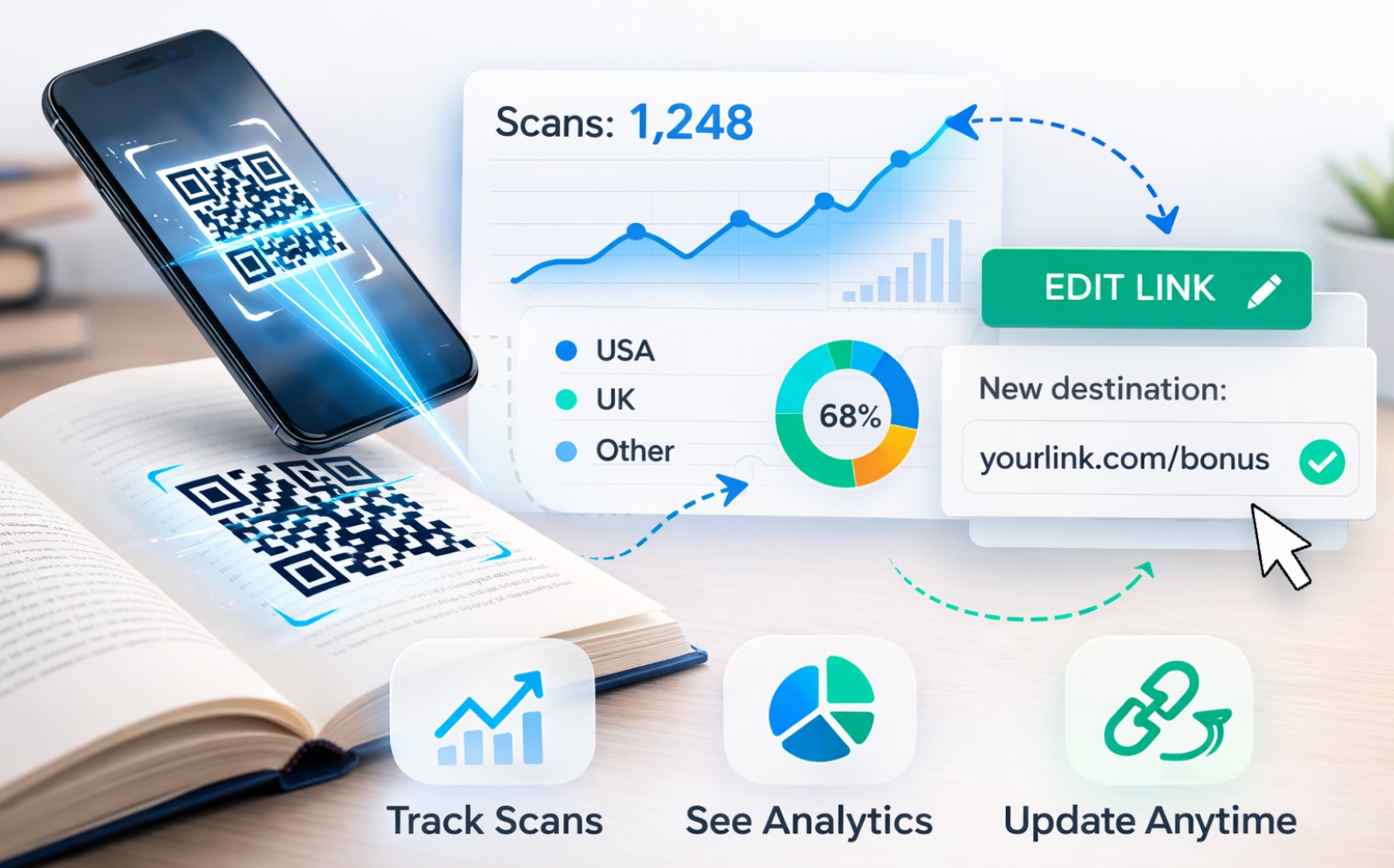
With a dynamic QR setup, the printed code stays the same while the destination link can be updated whenever necessary. You can change the landing page, replace the bonus content, or redirect readers to a new offer without touching the printed book.
This approach also allows you to measure engagement. By tracking scans, clicks, and downloads, you can see how readers interact with your book and gradually improve the landing page or bonus content over time.
Create and Manage QR Codes for Your Books
Once you decide to include a QR code in your book, the next step is choosing a tool that allows you to create and manage those codes easily. Unlike a simple static QR code, a well-designed QR management tool lets you control what happens after the reader scans the code.
For printed books this flexibility is extremely valuable. The QR code inside the book stays the same, but you can update the destination whenever you want. For example, you might start by linking readers to a bonus chapter, later replace it with a companion workbook, or redirect them to a new landing page promoting your next book — all without changing the printed pages.
This kind of control makes QR codes much more practical for authors. Books can stay in circulation for years, and your marketing pages will evolve over time. A managed QR code ensures that your printed book continues to lead readers to the most relevant content.
Tools with scan tracking add another advantage: real engagement data. You can see how often readers scan the code, which devices they use, and how the activity changes over time. This helps you understand how readers interact with your book and improve your bonus content, landing pages, or reader funnel based on real usage instead of guesswork.
QR Code Lab – QR Generator with Tracking
Create QR codes for printed books, manage redirects, and track scans over time. Perfect for linking readers to bonus content, newsletters, downloads, or review pages.
Real Ways Authors Use QR Codes in Books
The most effective QR codes in books are tied to a clear reader benefit. Instead of sending readers to a generic homepage, successful authors connect their QR codes to specific content that adds value after the reader finishes a chapter or the entire book.
Below are some of the most common and effective ways authors use QR codes to extend their books beyond the printed page.
Bonus Chapters or Extra Content
Many authors offer an extra chapter, downloadable workbook, or companion guide that readers can access by scanning a QR code at the end of the book.
Reader Newsletter Signup
A QR code can lead to a simple signup page where readers join your mailing list to receive updates, new releases, and exclusive content.
Review Request Page
Some authors guide readers to a simple page that politely asks for an Amazon review and explains how to leave one.
Downloads and Companion Materials
Workbooks, worksheets, printable resources, or study materials can be delivered instantly after scanning a QR code in the book.
Common Mistakes When Using QR Codes in Books
QR codes are simple tools, but small mistakes can significantly reduce how often readers actually scan them. Most problems are not technical — they come from unclear messaging or poor placement inside the book.
| Common mistake | What happens | Better approach |
|---|---|---|
| No clear benefit | Readers see the QR code but have no idea why they should scan it. | Explain the reward: “Download the companion workbook” or “Get the bonus chapter.” |
| Too many options | The QR code leads to a page with multiple links and readers don’t know what to do. | One QR code → one action. Clear next steps increase engagement. |
| Slow landing page | Readers scan the code but leave before the page loads. | Use a fast mobile page and test the QR code on a real phone. |
| Static QR codes in print | If the destination link changes, the QR code stops working. | Use dynamic QR codes so you can update the destination without reprinting the book. |
Avoiding these mistakes can dramatically increase how many readers actually scan the QR code inside your book.
A well-placed QR code can turn a finished book into the start of a longer reader relationship. By guiding readers to useful resources, bonus material, or a simple next step, you extend the value of your book beyond the printed page and create opportunities for continued engagement.