
Public Book
Windows 11 for Seniors
How to Unlock Technological Independence, Confidently Navigate Your PC, and Stay in Touch With Loved Ones - Even if You're Not Tech-Savvy
by Judy Poovey
Book Description
Discover the freedom of mastering Windows 11, even if you've never touched a computer before! Is the world of technology leaving you feeling overwhelmed? Do you wish to connect with loved ones but find yourself tangled in a web of unfamiliar terms and complex interfaces? Are you yearning for independence but fear making mistakes with your PC? If you answered “yes” to any of these questions, you’re not alone. Many seniors share these feelings, but the good news is that technology can be your ally, not your adversary. With patience, practice, and the right guidance, you can confidently navigate your computer, reconnect with family, and embrace the world of digital innovationall at your own pace. Here's a peek at what you'll discover inside this empowering guide: The easiest way to navigate Windows 11's Start menu and unlock its full potential How to change the font size to make everything clearer and easier to read Essential tips for recognizing and avoiding online scams before opening an email The secret to setting up voice commands on your computer effortlessly How to connect to Wi-Fi independently and maintain a secure network connection An introduction to basic computer terminology to demystify the tech world How to make video calls and stay in touch with family, no matter the distance The foolproof method to back up your files and keep them safe using OneDrive Practical examples of using essential apps like Photos, News, and Weather Troubleshooting common computer issues with confidence and ease A step-by-step guide to internet safety, ensuring peace of mind online How to navigate your taskbar and manage open applications with ease Reassuring advice on managing updates so you never miss important features Discover CoPilot, your AI assistant Keyboard Shortcuts for just about anything ...and much more! You might be thinking, "I'm too old to learn something new like Windows 11," or worrying that this might be yet another confusing guide. But rest assured, this book is designed with you in mind. With clear, step-by-step instructions, clarity and patience, this book is tailored to meet you where you are. Even if you've tried learning from family members or online tutorials with little success, this book breaks down everything into manageable, easy-to-understand sections. You'll also find comprehensive troubleshooting tips to tackle any problem with confidence.
Book details
Confirmed Reader Feedback
3 confirmed reader reviews.
An indispensable guide for seniors
I bought this book for my farther, and now he communicates confidently with us, despite the distance. He loves watching his grandchildren grow up. The chapter on internet safety is a must-have. it provides clear, step by step instructions that help him solve problems independently. It's a very useful resource for parents
Definitely recommend!
I bought this book for my parents, and it's been a game-changer! They’re now confidently using the computer without constantly needing my help. It’s amazing to see them progress and enjoy staying connected. They’re happy, and that makes me happy too!
Helpful and great for beginners!
This book has been a significant aid for my dad, who always felt apprehensive about computers. The directions are clear, simple, and written in a way that makes learning Windows 11 feel achievable, not frustrating. He particularly valued the tips on video calls and online safety. Now he’s using his PC with significantly more confidence and even exploring apps on his own. A great resource for seniors who want to stay connected and self-reliant!
More Books From This Category
 No cover
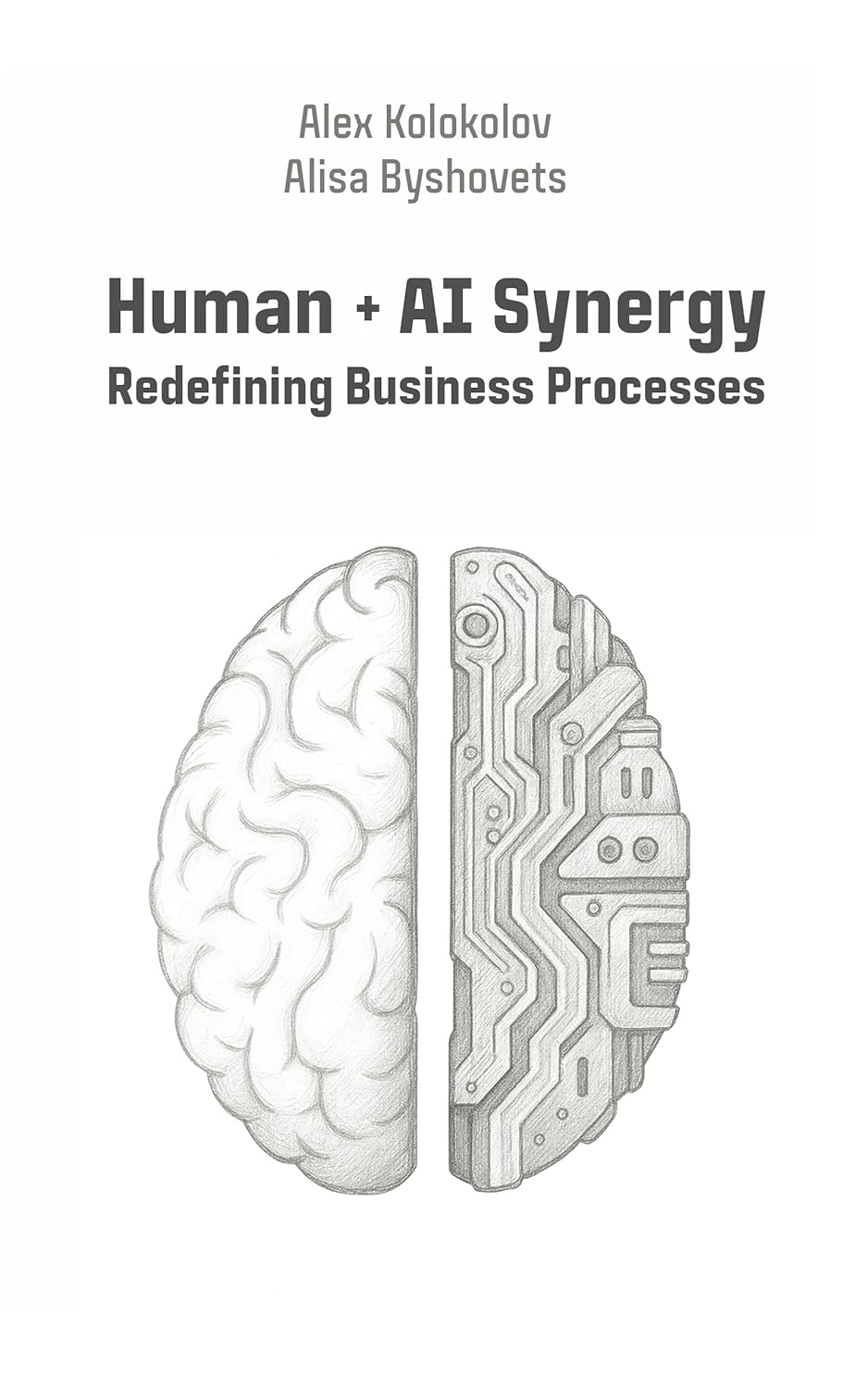
Human + AI Synergy: Redefining Business Processes
Written by: Alex Kolokolov, Alisa Byshovets, Ksenia Koroleva
Language: English
Format: Kindle • Paperback • Hardcover
Contains: ~75000 words
 No cover
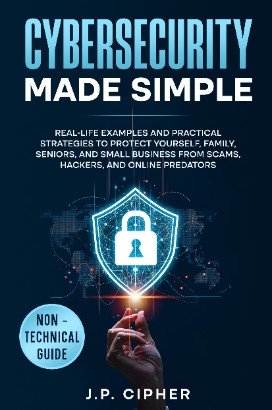
Cybersecurity Made Simple: Real-Life Examples and Practical Strategies to...
Written by: J.P. Cipher
Language: English
Format: Kindle • Paperback • Hardcover
Contains: ~40000 words
 No cover
DER ULTIMATIVE LEITFADEN FR FHRUNGSKRFTE ZUM EINSATZ VON KI: Dein...
Written by: Narciso Silva
Language: German
Format: Kindle • Paperback • Hardcover
Contains: ~35000 words
 No cover
Python for People Who Think They Can't Code: Python for Adults in 2025:...
Written by: Alex Grandpa
Language: English
Format: Kindle • Paperback • Hardcover
Contains: ~30000 words
 No cover
The Ultimate Guide to AI Agents for Business Leaders and Entrepreneurs: Your...
Written by: Narciso Silva
Language: English
Format: Kindle • Paperback • Hardcover • Audio
Contains: ~35000 words
 No cover
The Ultimate Guide to Mastering AI for Leaders: Your Non-technical Playbook...
Written by: Narciso Silva
Language: English
Format: Kindle • Paperback • Hardcover • Audio
Contains: ~30000 words
 No cover
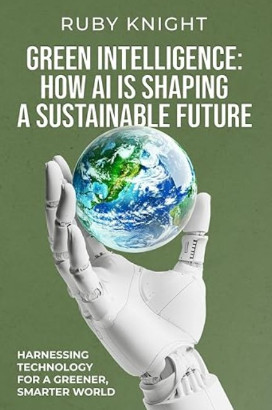
Green Intelligence: How AI is Shaping a Sustainable Future: Harnessing...
Written by: Ruby Knight
Language: English
Format: Kindle • Paperback
Contains: ~20000 words
 No cover
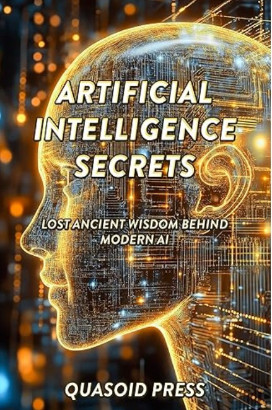
Artificial Intelligence Secrets: Lost Ancient Wisdom Behind Modern AI
Written by: Quasoid Press
Language: English
Format: Kindle
Contains: ~19000 words